Land your first AI client in 90 days
Inside CC Strategic AI + you get my 27-day Claude Code mastery program with a 1-click install setup file, so you’re up and running on day one. Plus my GoHighLevel CLI, the Skool Automation MCP and Jarvis +. And you work WITH us to land your first AI client in 90 days, or your money back.
100 verified business leads. Name, company, email, LinkedIn, and a custom outbound email written for each one. Total cost: 80 cents.
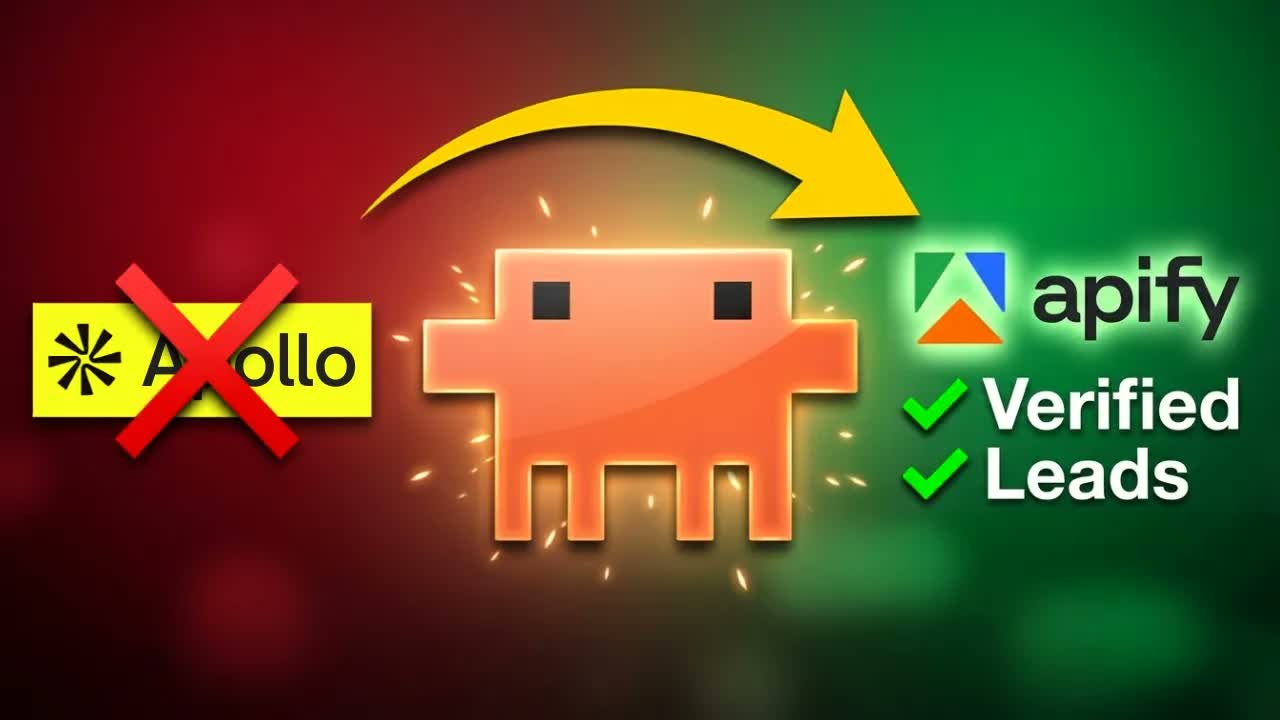
For that same output, Apollo wanted $100 a month. Clay wanted $167. I canceled all of it, because I built the same system inside Claude Code, and it runs on pay-per-lead pricing instead of a fat monthly subscription.
I’m Charles J Dove, founder of Charlie Automates. Here’s the full walkthrough, then I’ll break down the exact stack so you can wire it up yourself in about 15 minutes.
The problem with the expensive stack
Here’s the thing nobody tells you about tools like Apollo and Clay. You’re paying a flat monthly fee whether you pull 10 leads or 10,000. Most months you don’t come close to using what you pay for.
And to actually run the thing you’ve got 10 Chrome tabs open, a giant n8n workflow duct-taped together, and three logins to remember. The whole sales operation is scattered across a dozen browser windows.
I replaced all of it with one chat window and one command.
The stack that replaced it
Three pieces. That’s the whole secret sauce.
- Claude Code runs inside VS Code. This is where I build all my workflows, websites, and applications.
- The Apify MCP is the bridge. Apify is a cloud-based scraping and automation platform, and the MCP lets Claude actually call it, not just read about it.
- SkillSmith is the plugin I use to build my custom skills (my workflows) and stack MCPs on top of them.
An MCP is a bridge between Claude and outside software. It’s not just reading data. It’s using the tool on your behalf. That distinction is the whole game. Claude doesn’t tell you which leads to scrape. It goes and scrapes them.
My lead finder is a custom skill I built with SkillSmith called the lead skill. I give it my business and the kind of leads I want, in plain English, and it hands back a full list with contact info and custom outbound emails attached. One command.
Setting up the Apify MCP (about 5 minutes)
This is the piece that pulls your leads into Claude. Get it wired first.
Step 1: Grab your Apify token
- Sign up for a free Apify account.
- Click Settings → Integrations → API.
- Create a token and copy it. Save it somewhere on your computer for later.
Step 2: Tell Claude to connect it
Just tell Claude you want to set up the official Apify MCP server in your settings. Two notes on the token.
I usually paste my API key straight into the chat because I move fast and I know the risk. If that makes you nervous, don’t. Claude will set up an .env file for all your tokens instead, and give the Apify key its own spot in that file. Same result, your key stays out of the chat log.
Step 3: Confirm it’s live
Type /mcp in Claude Code. You should see Apify connected. Now you can ask something like “find an actor on Apify that can pull construction company leads,” and Claude will call the MCP and hand you its top picks.
An actor is just a pre-built scraper on Apify. There are hundreds. If you’re not sure what one does versus another, ask Claude to explain it before you run it.
Running the lead finder
Here’s what it actually looks like when I run my skill.
It asks about my business first. My Claude setup already knows who I am, so I just confirm, deny, or add context. Then it asks for the lead specs.
This part matters, so watch the mistake I made. I kept it generic at first. I told it “I just want business owners who know they need AI but can’t implement it.” Claude pushed back. That’s a pain state, Charles, not a scrapeable filter. It was right. You can’t scrape a feeling.
So it got specific on its own. It asked me two questions: what’s the industry focus, and how many leads do I want? I said 100 online coaches. Done.
Then it picked the actor. This is a spot where you need to pay attention. Claude naturally wants to grab the Google Maps actor and scrape businesses off Google Maps. But most online coaches don’t have a Google My Business listing, so that would’ve come back empty. It found a better-fit actor for coaches, showed me the specs, and I approved.
Out came the lead list. It automatically created a lead folder and a markdown file where the leads live. It fired the GWS Gmail connector and created draft emails right in my Gmail inbox. The skill can also push everything into my CRM, but I skipped that step. The Google Workspace tool dropped a clean spreadsheet with all the data, outside my terminal, so it’s easy to read.
The part I had to fix
I’ll be honest with you. The first drafts were kind of shitty.
They didn’t do any research. No look through the prospect’s LinkedIn, no read of their website. Just a generic template with a name swapped in. That’s the difference between an email that books calls and one that gets deleted.
So I updated the skill to do research every single time. Now it runs an email expert skill I built with SkillSmith. It writes the subject line, pulls real context about what the prospect actually does, and drops in my CTA link so they can book a call. The emails come out custom, one at a time, and if the format ever looks off I just tell Claude to fix it.
That’s the whole loop. What would’ve cost a few hundred dollars a month and hours of clicking, done in about 15 minutes. All I do is hit send.
Where this gets dangerous (in a good way)
The Apify MCP isn’t just for leads. Same bridge, different actors.
- Scrape your favorite social platforms for content reports. What’s going viral, what you should be posting.
- Pull leads straight from social media, not just business directories.
- Feed the whole thing into a CRM. I run GoHighLevel for my nurturing, email sequences, appointment reminders, and pipeline management, not so much for cold outbound.
- If you want a real cold-email tool, Instantly warms up custom domains so your deliverability doesn’t tank and you don’t burn your main inbox. It has an MCP too, so you can run whole campaigns from Claude Code.
Key takeaways
- Apollo and Clay charge $100 to $167 a month flat. The Claude Code plus Apify stack runs pay-per-lead, so 100 leads cost about 80 cents
- Three pieces do all the work: Claude Code, the Apify MCP as the bridge, and SkillSmith to build your custom lead skill
- Setup is about 5 minutes. Sign up for Apify free, grab an API token, and tell Claude to install the official MCP server
- Get specific on your lead specs. A pain state isn’t a scrapeable filter. Pick an industry and a count Claude can actually query
- Watch which actor Claude picks. Google Maps is the default, but it misses anyone without a Google Business listing, like most online coaches
- The generic first drafts are useless. Update your skill to research each prospect’s LinkedIn and site so the emails come out custom
This is the exact lead gen layer I run inside Charlie Automates, and at my agency CC Strategic it’s what we wire up for clients bleeding money on tools they barely use. The full build, including the SkillSmith setup for your own lead skill, is on my YouTube channel at @charlieautomates.
Want this built with you, not just explained?
CC Strategic AI + is where you get the 27-day Claude Code mastery program, the full content automation system (Premium), the GoHighLevel CLI and Jarvis +. You work WITH us to land your first AI client in 90 days, or your money back. Guaranteed.
Want more builds like this without the trial and error? Join the CC Strategic AI + community. New AI builds dropped weekly. SOPs, prompts, full workflows, plus the lead finder skill itself.
FAQ
Q: Is Apify free? There’s a free account with monthly usage credits, which is plenty to test this. After that you pay per run, which is why 100 leads land around 80 cents instead of a $100 monthly subscription.
Q: Do I need to code to set this up? No. If you can sign up for an account, copy an API token, and type a command into Claude Code, you have what you need. Claude handles the MCP install for you.
Q: What’s the difference between Apollo and this Claude Code setup? Apollo and Clay charge a flat monthly fee whether you use them or not. This runs pay-per-lead through Apify, so you only pay for what you pull. Same data: name, company, email, LinkedIn, plus custom outbound emails.
Q: What is an Apify actor? An actor is a pre-built scraper on the Apify platform. Different actors pull from different sources, like Google Maps, social media, or business directories. Ask Claude to pick the right one for your target, and double-check it isn’t defaulting to Google Maps for leads that won’t be listed there.
Q: Can I send the emails automatically? You can, but don’t blast 100 cold emails through your main business inbox. I send a few at a time after reviewing each draft. The skill can also push leads into your CRM and let a tool like Instantly handle warmed-up sending domains.
Grab Unlimited Leads (Apify + Claude Code + GHL) free in Free Resources, together with every other Claude Code skill, plugin, and playbook I use day to day.