Not sure what to fix first?
Most people don’t need another AI tool. They need to know which thing is actually costing them the most.
The AI Bottleneck Finder asks you a handful of questions, then tells you the one constraint capping your revenue right now plus two builds you could ship this week. Five minutes, free, no call required.
Take the free AI Bottleneck Finder →
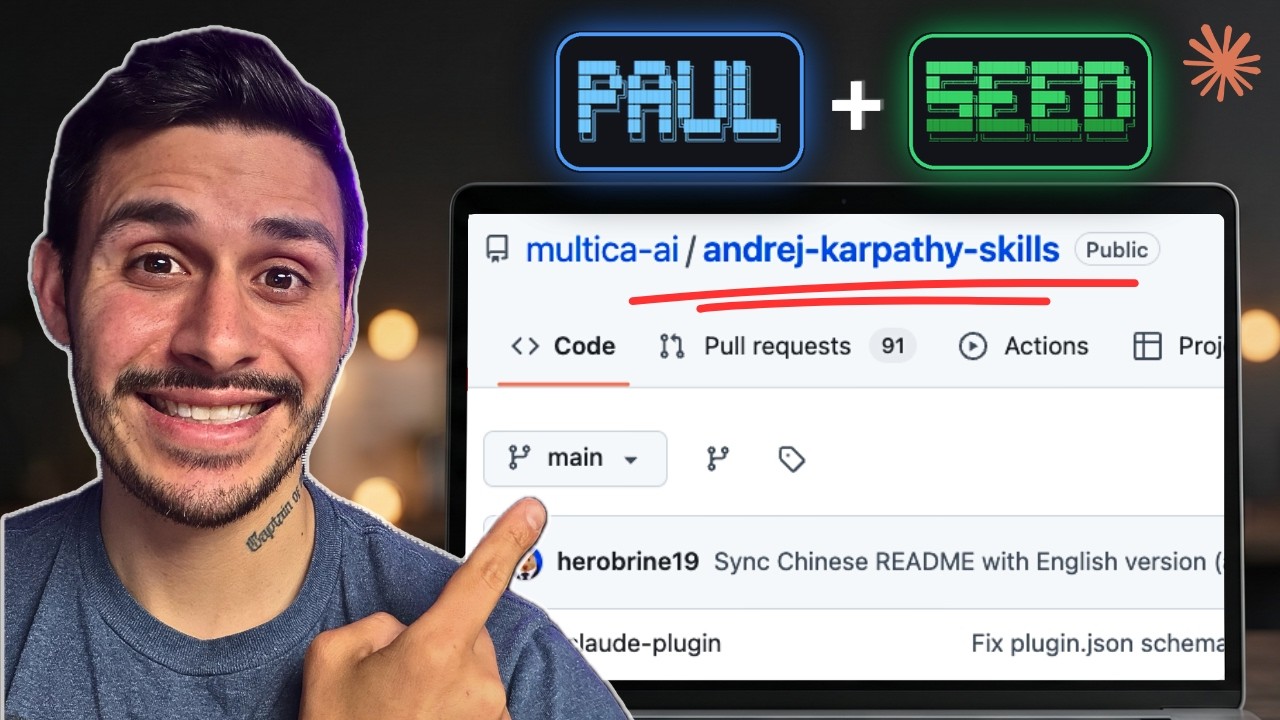
Right now everybody is rushing to GitHub to download Andrej Karpathy’s Claude Code CLAUDE.md file. One problem: Karpathy never wrote it. The 65-line file most people are copying isn’t even his method. So if you pasted it in and Claude is still fighting you, that’s why. Watch the full breakdown here, then read on for the steal-this version:
I’m Charles J Dove, founder of Charlie Automates. I rebuilt how I run Claude Code around what Karpathy actually said, and it changed everything. Same model, way better output. Let me hand you the whole thing.
The one sentence everyone skipped
Here is what Karpathy (one of the founding members of OpenAI) actually said:
Traditional computers automate what you can specify. These models automate what you can verify.
That’s the whole game in one line. Everybody copied a 65-line file and skipped the one sentence that matters. The takeaway is simple. You define what success looks like first, in a way your AI can read. Then you loop the work until it’s verified. You outsource the execution to the model. You never outsource the understanding. The systems thinking is always worth more than the system itself.
When I tested it side by side, the difference was obvious. Cold prompting Claude burns more tokens and drifts off course. Spec the job, define how it gets checked, then let it loop, and it ships in one clean pass.
The four principles to put in your CLAUDE.md
These are the four Karpathy actually called out. All four bias toward caution over speed. Drop them into your CLAUDE.md file and Claude starts working like a senior engineer instead of an eager intern.
- Think before coding. Give the model permission to push back. If something is unclear, it stops and names it. If there’s a simpler way, it tells you before writing a line. No silent guessing.
- Simplicity first. Less is more. The minimum code that solves the problem, nothing speculative. If 200 lines could be 50, it rewrites it.
- Surgical changes. Touch only what the request needs. Follow the style that’s already working. If there’s dead code, point it out, don’t quietly delete it. Every changed line traces back to your ask.
- Goal-driven execution. Turn a vague ask into a verifiable goal. “Fix the bug” becomes “write a failing test that reproduces it, then make it pass.”
That’s the brain. But principles in a file are not a system. Here’s how I turn them into something that actually ships products.
Raw prompt vs frameworks: the live test
I ran two terminals at the same time. Same goal: build a social media analytics dashboard. On the left, a raw prompt. On the right, two frameworks doing the work the way Karpathy described. Both terminals had my updated CLAUDE.md, so the raw side wasn’t terrible. It was just shallow.
The left side started building immediately. One wish-list prompt, straight to code. The right side did something different first. It asked me questions.
SEED: package the idea before you build
The first framework is called SEED. Instead of one-shotting a prompt, SEED runs a guided interview shaped by what you’re building. It asked me the project name, the stack options, and the scope. It let me pick my Charlie Automates brand kit. Then it packaged all of it into a spec file that Claude can actually read.
This is caution over speed in action. I answered a few questions up front so the build had a real target. The raw side already had a folder with a single file in it. The SEED side had a clean spec and a plan. That five percent of extra context up front is the whole difference.
PAUL: plan, apply, unify, loop
Once SEED has the idea packaged, the second framework takes over. It’s called PAUL, and it stands for Plan, Apply, Unify, Loop. This is the looping system Karpathy was pointing at.
I told it to launch and initialize PAUL in the apps folder. Watch what it created that the raw prompt never did:
- A project file that lays out exactly what the app is, the core value, and what’s out of scope, so we’re not building for the sake of building.
- A roadmap showing the current milestone (a 0.1 MVP) and every phase of the build.
- A state file showing exactly where the project is right now, which phase is done, and what percent is complete.
So Claude has a full memory system of where you are in the build. PAUL plans a phase, applies it (the actual building), then you run a unify command to update those files so Claude always knows what’s going on. Then you loop to the next phase. It builds slowly, chunk by chunk, testing each phase, instead of one-shotting the whole thing and hoping.
Why raw prompts keep failing
Here’s why most vibe-coder projects die. The raw prompt folder was just an HTML file. It looked clean, but there was no tracking system. Every time you reopen it, you have to remind Claude what it did last. There’s no memory. You’re writing notes and hoping Claude remembers.
The framework side might not even have the app finished yet, but it has a plan you can build on and look back on for context. Claude reads it perfectly through the unify system. One side is a five-minute dopamine hit. The other is a product that lasts for years.
The raw prompt took 5 and a half minutes and produced placeholders. The fully spec’d SEED and PAUL build took almost half an hour, for a very good reason: it walked through and tested each phase step by step, real data and all. Context use was nearly identical, about 16 percent of a million-token window on the framework side versus 11 percent on the raw side. That extra five percent went straight into planning.
The pause feature that saves your project
When I hit a stopping point, I didn’t just close the terminal. I ran PAUL pause. It writes a handoff document so Claude knows exactly where it left off. The state file showed phase one of five complete, 20 percent done, sitting at the unify stage.
Next session, I don’t reiterate anything with my own words. I type PAUL resume. It pulls the handoff back into context, reads the project files, and knows exactly what to do next. That’s how you make sure every project you start with Claude actually gets shipped.
Key takeaways
- Karpathy never wrote the CLAUDE.md going around GitHub. His real method is one line: models automate what you can verify.
- Define success first, loop until verified, and never outsource the understanding.
- Put the four principles in your CLAUDE.md: think before coding, simplicity first, surgical changes, goal-driven execution.
- Principles aren’t a system. Use SEED to package the idea into a spec, then PAUL (plan, apply, unify, loop) to build it chunk by chunk with full memory.
- Raw prompts have no memory and no tracking. Frameworks give you a roadmap, a state file, and a pause-resume system so projects actually ship.
I posted the entire build on my YouTube channel at @charlieautomates. Both frameworks are free, and I wrote up exactly how to install them. Grab SEED on the free toolkit and PAUL right next to it at charlieautomates.com. At my agency CC Strategic, this is the exact system we use to ship client builds that hold up, not five-minute demos that fall apart the second real data hits them.
Not sure what to fix first?
Most people don’t need another AI tool. They need to know which thing is actually costing them the most.
The AI Bottleneck Finder asks you a handful of questions, then tells you the one constraint capping your revenue right now plus two builds you could ship this week. Five minutes, free, no call required.
Take the free AI Bottleneck Finder →
Want more builds like this without the trial and error? Join the CC Strategic AI community on Skool. 3,300+ business owners, new AI builds and workflows dropped weekly.
FAQ
Q: Did Andrej Karpathy write a CLAUDE.md file? No. The 65-line file circulating on GitHub isn’t his. His actual contribution is the principle that these models automate what you can verify, plus the four behaviors built on it: think before coding, simplicity first, surgical changes, and goal-driven execution. Put those in your own CLAUDE.md.
Q: What’s the difference between SEED and PAUL? SEED is for ideation. It interviews you and packages your idea into a spec file Claude can read. PAUL is for building. It stands for plan, apply, unify, loop, and it builds the project phase by phase while keeping a full memory system (project file, roadmap, state file) so Claude always knows where it left off.
Q: Why does a raw prompt build faster but still lose? A raw prompt skips planning, so it produces placeholders in a few minutes with no tracking and no memory. Every session you have to re-explain what was done. The framework build takes longer because it tests each phase and writes a roadmap and state file, so the project actually ships and survives real data.
Q: How do I get SEED and PAUL?
Both are free and linked on the Charlie Automates toolkit. SEED installs with npm i -g @chrisai/seed. You can grab both, plus the Karpathy-inspired CLAUDE.md instructions, at charlieautomates.com/free-resources.